Photo to dance AI: choose the right video workflow
Decide whether original photo animation fits your dance video idea. Compare it with exact motion transfer and face replacement, and check formats, costs and privacy.
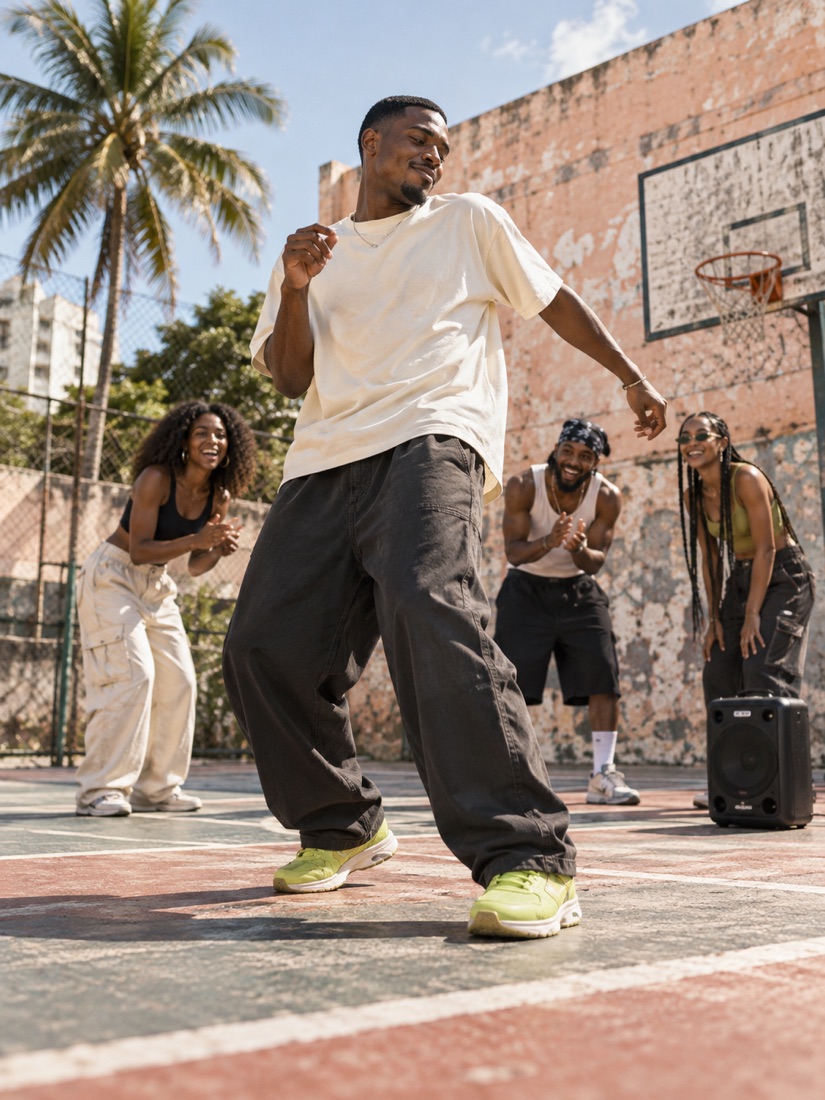
To make a photo dance, first decide whether you want a new AI performance or the exact movement in an existing video. This studio offers the first: one portrait becomes an original freestyle scene inspired by the Bulin 47 trend. It does not replace the performer in the original viral clip.
Match the tool to your idea
| Your goal | What this studio supports |
|---|---|
| Animate one adult portrait in a new dance scene | Yes: choose a street, neon club or basketball-court scene. |
| Copy a reference dancer's exact choreography | No: the creator has no reference-video upload or motion-transfer control. |
| Replace a face in existing footage | No: the scene and movement are generated anew. |
| Include the original Bulin 47 soundtrack | No: add music you have permission to use in your publishing app. |
| Make a short vertical clip for social posting | It requests a 10-second, 720p, 9:16 video. Review the result before posting. |
Guarantee identical facial details or a viral result | No: likeness, motion and audience response can vary. |
If you need exact choreography or an edit of an existing recording, look for a workflow that explicitly accepts reference video and gives you those controls. A scene name or a dance prompt does not provide that capability here.
What you can create here
The creator uses one photo and one of three preset scenes. You do not need to write a prompt. Street freestyle, After-hours club and Court takeover each provide a setting and freestyle direction; the model interprets them when generating the video.
The requested output is a 10-second vertical video at 720p. Finished videos can be opened and saved from My videos. Processing time depends on the provider and queue, so there is no fixed completion time promised.
Watch the generated video example to inspect one actual result. It was generated on October 14, 2026 from our original AI illustration of a fictional adult, at 10 seconds, 720p and 9:16. The web demo is compressed and has its audio removed. It is one test output, not a customer example or evidence of how accurately the model reproduces a real person. The template scene images remain concept art; other results may differ.
Prepare a useful starting photo
Choose one clearly visible adult, with even lighting and a face large enough to see. Avoid sunglasses, covered features, heavy filters and group photos. Use your own photo or obtain the adult subject's permission for upload and AI generation.
The creator accepts JPG, PNG and WebP files up to 8 MB. It fits the full photo into a 720 × 1280 portrait frame in your browser before upload, adding a soft backdrop where needed. You do not need to crop it yourself. This preparation does not guarantee that the generated video preserves every facial detail. See the photo checklist.
Check the cost before generating
The pricing page lists the current one-time packs, credits per video and whole videos covered by each pack. Purchased credits do not expire and packs do not renew automatically. Check the current offer rather than assuming a price from an older guide.
After payment is confirmed, return to Create and click Generate video; purchasing credits does not start generation. A task reserves credits when it is created. If it reaches a final failed or canceled status, the credits are returned automatically. A completed video consumes credits even if you dislike its interpretation.
Credit returns are separate from refunds to your payment method. Read the refund policy and payment guide before buying.
Understand photo handling and publishing
Choosing a photo previews the prepared image locally. Clicking Generate video uploads it for storage and AI processing. Continuing to sign in or buy credits can save a draft in the same browser with a 30-minute validity period. Removing that draft does not remove a photo already uploaded for generation. There is no fixed automatic deletion schedule for uploaded photos or generated files; read the privacy policy before submitting.
Watch the whole finished video before sharing, label it as AI-generated and use only images and music you have permission to publish. Do not imply that the subject performed a real event or that the artist endorsed your clip. This studio is independent of Bulin 47 and the social platforms. Save a local copy, because provider-hosted links may expire.
If an original freestyle interpretation fits your idea, follow the step-by-step creation guide or open Create.