How to make a Bulin 47 AI video from a photo
A practical guide to creating a Bulin 47 inspired freestyle remix: prepare a portrait, choose a scene, check credits, generate and save your video.
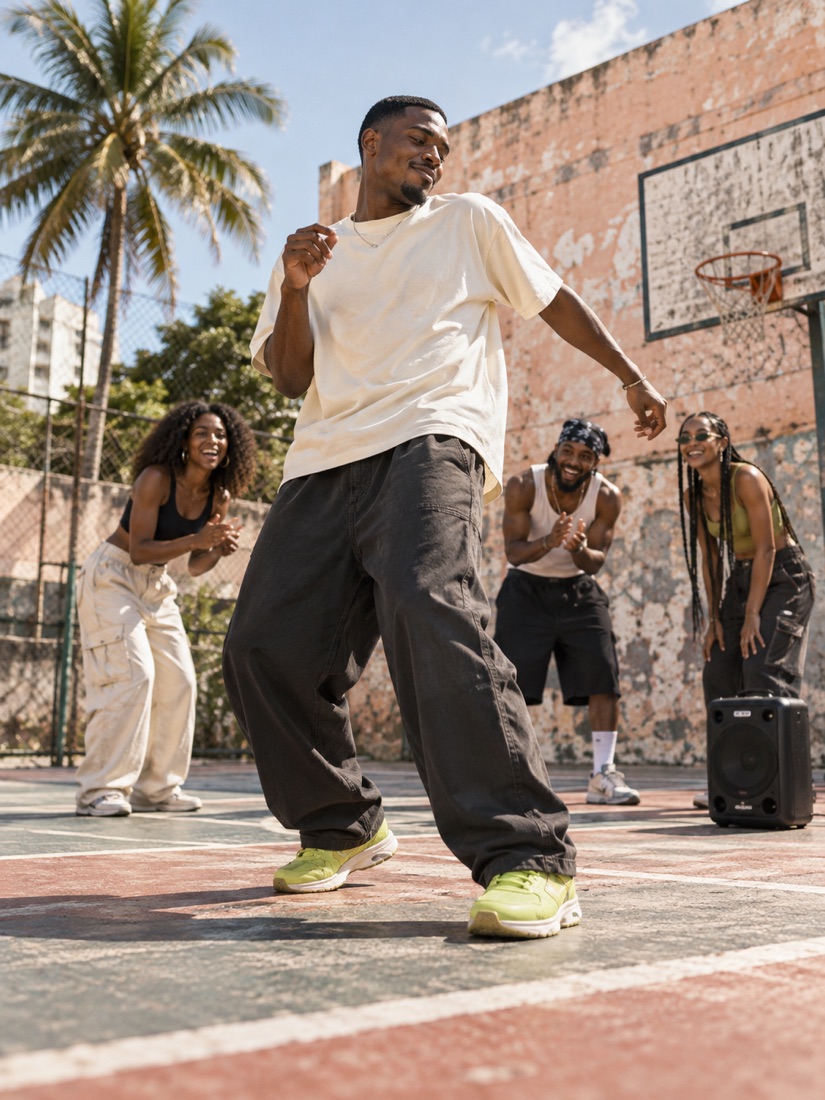
A Bulin 47 inspired AI video starts with one portrait and turns it into a new freestyle scene. This studio creates original movement and backgrounds. It does not insert you into the original viral recording or include that recording’s soundtrack.
1. Prepare a photo
Choose a sharp, front-facing portrait of one adult. Show the face in even light without sunglasses. Use your own photo or get the subject’s permission for upload and AI processing. The upload accepts JPG, PNG and WebP files up to 8 MB. Read the photo checklist before you begin.
2. Pick your scene
Open the creator and choose Street Heat, After Hours or Court Culture. Each option uses your photo with a different setting and freestyle direction. Scene illustrations show an artistic concept, not a guaranteed finished result.
3. Sign in and check your credits
Your account keeps the video history and credit balance together. When you continue to sign in or buy credits, the selected photo and scene are saved in this browser for up to 30 minutes. Return using the same browser. Remove the photo to clear the saved draft.
If your balance is too low, choose a one-time credit pack. Review the exact price, credits and available video count before paying. A completed payment adds credits to the account used at checkout. Buying credits does not start generation automatically.
4. Generate deliberately
After returning to the creator, check the displayed balance and press Generate. The studio requests a 10-second, 720p, vertical 9:16 video. If the service is unavailable, the page says so and generation stays disabled. Processing time varies with the provider and queue.
5. Save your result
You can find submitted tasks in My videos. A task that reaches a failed status returns its credits automatically. A completed video uses credits even if the visual interpretation differs from what you imagined. Save a local copy promptly because provider-hosted video URLs may expire.
Before posting, review the whole video, identify it as AI-made, and add only music you have permission to use. No tool can promise audience engagement or a viral result.
Need help?
Use Help & contact for task problems or billing questions. Include the task or order number, without sharing your password or payment details.